Every day, billions of digital interactions happen around the world — a customer places an order, a doctor views a patient record, a Spotify listener hits play. Behind almost every one of these moments is a database, and behind almost every database query is SQL. Yet for many beginners, SQL remains shrouded in mystery: cryptic syntax, intimidating jargon, and a steep learning curve that stops people before they even start.
This guide cuts through all of that. You will learn exactly what SQL is, why it matters, how it actually works under the hood, where it trips beginners up, and which databases power the real world — all with concrete examples you can try yourself. Let’s begin.
What is SQL? A Simple Definition
SQL stands for Structured Query Language. It is the standard language used to communicate with relational databases — systems that store data in organized tables of rows and columns, much like a very powerful spreadsheet that can hold millions of records and answer complex questions about them in milliseconds.
SQL was originally developed at IBM in the early 1970s by Edgar Codd and Donald Chamberlin and was standardized by the American National Standards Institute (ANSI) in 1986. Today it is recognized as the lingua franca of data: virtually every major database system speaks it, and virtually every data-related job requires at least a working knowledge of it.
At its core, SQL lets you do four fundamental things, often called CRUD operations:
- Create — add new data or define new table structures.
- Read — retrieve and filter data with
SELECTqueries. - Update — modify existing records.
- Delete — remove records you no longer need.
Here is the simplest SQL query you will ever write:
-- Retrieve every row and column from the "customers" table
SELECT *
FROM customers;
That asterisk (*) means “give me everything.” The FROM clause tells the database which table to look in. Even at this basic level, SQL is remarkably readable — it almost sounds like English. The complexity comes when you start combining tables, filtering on conditions, and aggregating millions of rows.
Why SQL Matters: Real-World Applications
SQL is not just a tool for developers. It is woven into the fabric of virtually every industry on the planet. Here is where it shows up in practice:
Technology & Social Media
Companies like Facebook, Twitter/X, and LinkedIn use SQL-based databases (and SQL-like query layers on top of distributed systems) to store user profiles, posts, relationships, and activity logs. When you search for a friend or see a notification, SQL (or a close cousin) is doing work behind the scenes.
Music & Media Streaming
Spotify relies on relational databases to manage playlists, track listening history, and power the recommendation algorithms that surface your next favourite song. A data analyst at Spotify might write a query like this to understand listening trends:
-- Find the top 10 most-streamed tracks in the last 30 days
SELECT
    t.track_name,
    a.artist_name,
    SUM(s.stream_count) AS total_streams
FROM streams s
JOIN tracks t ON s.track_id = t.track_id
JOIN artists a ON t.artist_id = a.artist_id
WHERE s.stream_date >= CURRENT_DATE - INTERVAL '30 days'
GROUP BY t.track_name, a.artist_name
ORDER BY total_streams DESC
LIMIT 10;
Healthcare
Hospitals use SQL databases to store patient records, lab results, and appointment histories. A clinician or data team might query a database to identify patients due for a follow-up, flag abnormal test results, or generate compliance reports for regulators.
Finance & E-Commerce
Banks use SQL for transaction histories, fraud detection, and financial reporting. E-commerce platforms use it to manage inventory, track orders, and calculate revenue. A financial analyst might run a query like this to identify high-value customers:
-- Identify customers who spent over $5,000 in the past year
SELECT
    c.customer_id,
    c.full_name,
    c.email,
    SUM(o.order_total) AS annual_spend
FROM customers c
JOIN orders o ON c.customer_id = o.customer_id
WHERE o.order_date >= DATEADD(year, -1, GETDATE())
GROUP BY c.customer_id, c.full_name, c.email
HAVING SUM(o.order_total) > 5000
ORDER BY annual_spend DESC;
Marketing & Business Intelligence
Marketing teams use SQL to analyze campaign performance, segment audiences, and measure conversion rates. Tools like Tableau, Looker, and Power BI generate SQL queries behind the scenes every time a business user clicks on a dashboard filter. Understanding SQL gives marketers and analysts direct access to their data without waiting for a developer to run a report.
How SQL Works: The Core Components
Understanding what happens when you run a SQL query is one of the best ways to write better ones. When you hit “execute,” your database management system (DBMS) goes through several steps:
1. The Parser
The parser reads your SQL text, checks it for syntax errors, and converts it into a structured internal representation — think of it like a spell-checker that also understands grammar. If you have a typo (SELCT instead of SELECT), the parser catches it immediately.
2. The Query Optimizer
Next, the query optimizer decides the most efficient plan for executing your query. Should it scan the entire table or use an index? Should it join tables in a particular order? The optimizer may generate dozens of candidate plans and pick the cheapest one. This is why the same SQL can perform very differently on different data distributions.
3. The Execution Engine (Relational Engine)
The execution engine carries out the chosen plan, coordinating operations like joins, filters, sorts, and aggregations. It is the component that actually traverses the data and produces your result set.
4. The Storage Engine
Finally, the storage engine handles reading and writing data to and from disk (or memory). Different databases have different storage engines — MySQL’s InnoDB and PostgreSQL’s heap-based storage are two well-known examples — and their characteristics affect how quickly your queries return results.
Here is a visual summary of the core SQL statement categories you will use daily:
| Category | Key Commands | What They Do |
|---|---|---|
| DQL (Data Query) | SELECT | Retrieve data from one or more tables |
| DML (Data Manipulation) | INSERT, UPDATE, DELETE | Add, change, or remove rows |
| DDL (Data Definition) | CREATE, ALTER, DROP | Define and modify table structures |
| DCL (Data Control) | GRANT, REVOKE | Manage permissions and access |
| TCL (Transaction Control) | COMMIT, ROLLBACK | Manage multi-step operations safely |
Common SQL Challenges & Why Syntax is Hard
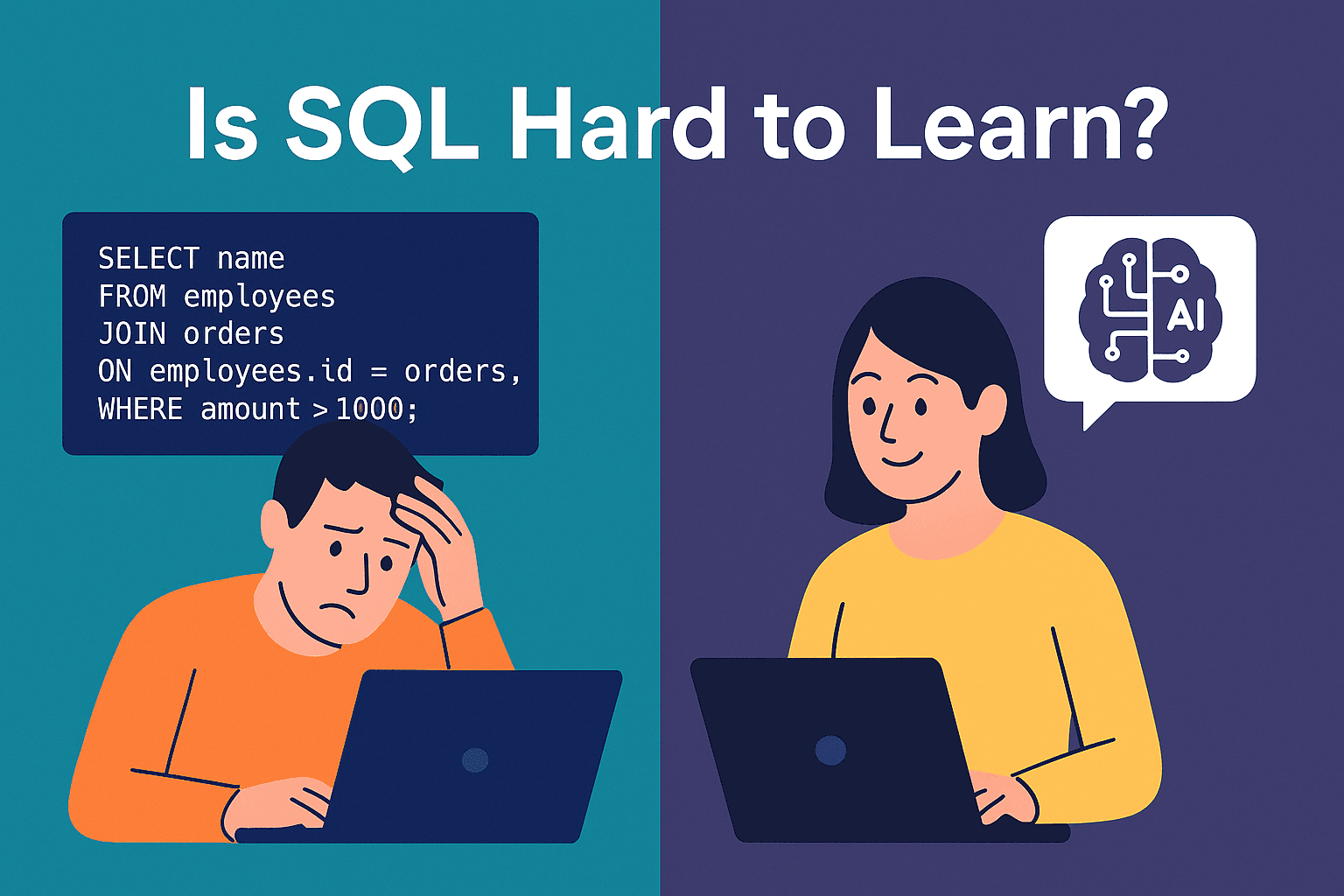
Here is a truth that most SQL tutorials gloss over: SQL is genuinely tricky for beginners. The syntax is declarative, meaning you describe what you want, not how to get it — a mental shift that takes time to internalise. Below are the most common stumbling blocks.
1. JOINs Confuse Everyone at First
Joining two tables is the bread and butter of real SQL work, but the different types — INNER, LEFT, RIGHT, FULL OUTER — trip up even experienced developers. Getting the relationship direction wrong produces silent errors: queries that return results but the wrong results.
-- LEFT JOIN: returns all orders, even those with no matching customer record
SELECT
    o.order_id,
    o.order_total,
    c.full_name
FROM orders o
LEFT JOIN customers c ON o.customer_id = c.customer_id;
2. Aggregations and GROUP BY Rules
SQL requires that any column in a SELECT list that is not inside an aggregate function (SUM, COUNT, AVG) must appear in the GROUP BY clause. Forgetting this rule is one of the most common beginner errors and generates cryptic error messages.
-- Count how many orders each customer has placed
SELECT
    customer_id,
    COUNT(order_id) AS order_count
FROM orders
GROUP BY customer_id
HAVING COUNT(order_id) > 3
ORDER BY order_count DESC;
3. NULLs Behave Unexpectedly
In SQL, NULL means “unknown” — not zero, not an empty string. This means NULL = NULL evaluates to NULL (not TRUE!), and aggregate functions silently skip NULL values. You must use IS NULL or IS NOT NULL to check for missing data, and functions like COALESCE to substitute defaults.
-- Replace NULL phone numbers with a default value
SELECT
    customer_id,
    full_name,
    COALESCE(phone_number, 'No phone on file') AS phone
FROM customers
WHERE phone_number IS NULL;
4. Syntax Differences Across Databases
SQL is a standard, but every database implements it slightly differently. Date functions, string functions, and pagination syntax (LIMIT vs. TOP vs. FETCH FIRST) all vary. A query written for MySQL may need adjustments before it runs on SQL Server or Oracle.
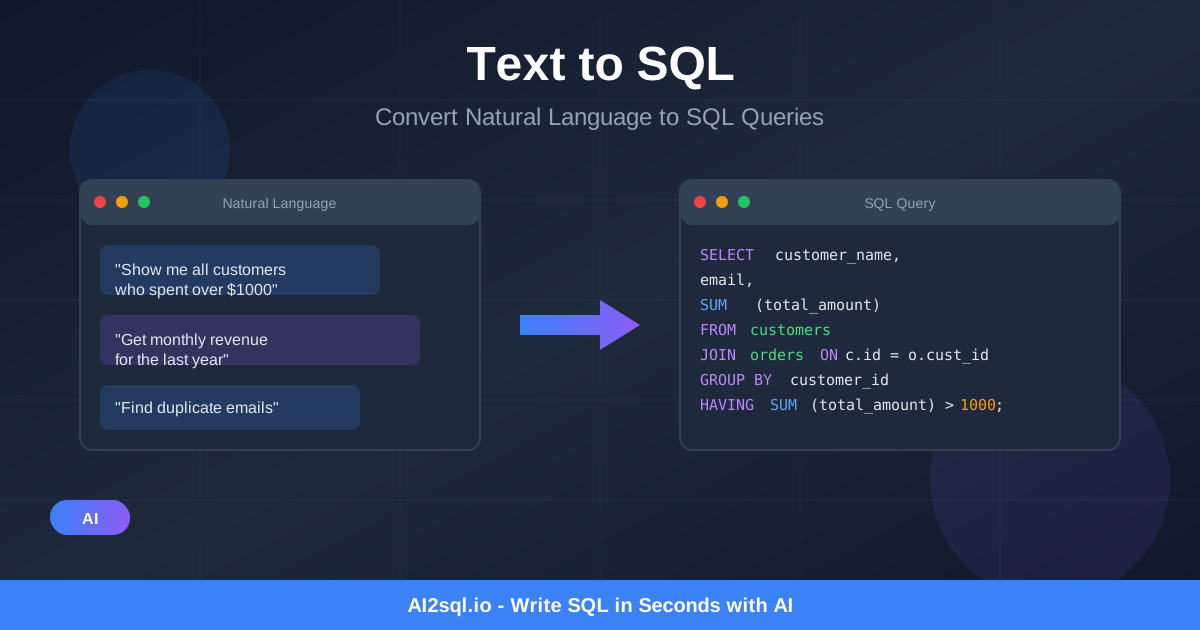
💡 The AI-assisted shortcut: Instead of memorising every syntax variation, tools like AI2SQL let you type your question in plain English and instantly receive a syntactically correct query for your specific database — MySQL, PostgreSQL, SQL Server, Oracle, Snowflake, and more. It is especially powerful for non-technical roles like marketing analysts, product managers, and finance teams who need data but not a computer science degree.
Traditional SQL learning often means hours of rote memorisation, debugging cryptic errors, and consulting documentation for every new function. The natural language approach flips this: you describe the business question, and the tool generates the SQL. You can then study the generated query to learn the syntax progressively — a far less frustrating path to competence.
Try AI2SQL Free — Convert Plain English to SQL InstantlySQL Databases You Should Know
SQL does not exist in a vacuum — it runs on top of a database engine. Here are the most important ones you will encounter:
MySQL
The world’s most popular open-source relational database, used by WordPress, Facebook, YouTube, and thousands of SaaS applications. It is a great first database to learn because the documentation is vast and community support is excellent.
-- MySQL: paginate results with LIMIT and OFFSET
SELECT product_name, price
FROM products
WHERE category = 'Electronics'
ORDER BY price DESC
LIMIT 10 OFFSET 20;  -- page 3 of results (items 21-30)
PostgreSQL
Often called “Postgres,” this open-source database is renowned for its standards compliance, extensibility, and advanced features like JSON support, full-text search, and window functions. It is the preferred choice for many modern startups and data-intensive applications.
-- PostgreSQL: use a window function to rank products by revenue within each category
SELECT
    product_name,
    category,
    revenue,
    RANK() OVER (PARTITION BY category ORDER BY revenue DESC) AS rank_in_category
FROM products;
Microsoft SQL Server
Microsoft’s enterprise-grade relational database is deeply integrated with the Windows ecosystem and widely used in corporate environments. It uses a dialect called T-SQL (Transact-SQL) with its own procedural extensions.
-- T-SQL (SQL Server): get top 5 employees by salary
SELECT TOP 5
    employee_id,
    full_name,
    department,
    salary
FROM employees
ORDER BY salary DESC;
SQLite
A lightweight, serverless database that stores an entire database in a single file. SQLite is built into every iPhone and Android device, used by most web browsers, and is the perfect sandbox for learning SQL without installing anything complex.
Cloud Data Warehouses: Snowflake, BigQuery, Redshift
Modern analytics teams increasingly use cloud-native data warehouses that scale to petabytes of data. Snowflake, Google BigQuery, and Amazon Redshift all accept SQL queries (with minor dialect differences), making your SQL skills directly transferable to enterprise analytics at scale.
Getting Started: Your First Real SQL Workflow
Knowing the theory is one thing. Here is a practical mini-workflow to cement the basics. Imagine you are a marketing analyst for an e-commerce brand and you want to answer the question: “Which product categories generated the most revenue last month, and how many unique customers bought from each?”
-- Marketing analyst query: category revenue and unique buyer count last month
SELECT
    p.category,
    COUNT(DISTINCT o.customer_id)  AS unique_buyers,
    SUM(oi.quantity * oi.unit_price) AS total_revenue
FROM order_items oi
JOIN orders o     ON oi.order_id   = o.order_id
JOIN products p   ON oi.product_id = p.product_id
WHERE o.order_date >= DATE_TRUNC('month', CURRENT_DATE - INTERVAL '1 month')
  AND o.order_date  <  DATE_TRUNC('month', CURRENT_DATE)
  AND o.status = 'completed'
GROUP BY p.category
ORDER BY total_revenue DESC;
Notice how this query uses a three-table JOIN, date filtering, COUNT(DISTINCT …), SUM with arithmetic, GROUP BY, and ORDER BY — all concepts covered above. This is the kind of query a real analyst runs every single week.
If writing something like this feels overwhelming right now, that is completely normal. The good news is that tools like AI2SQL can generate this exact query from a plain-English description. You can then read the output, understand each clause, tweak it, and learn progressively — a feedback loop that accelerates learning dramatically compared to staring at a blank editor.
Conclusion: SQL Is a Superpower Worth Developing
SQL is more than a technical skill — it is a lever for turning raw data into decisions. Companies like Spotify, Facebook, and Twitter are built on databases, and analysts, developers, product managers, and marketers who can query those databases unlock insights that others simply cannot see.
Yes, SQL syntax has a learning curve. JOINs are confusing at first. NULLs behave strangely. Different databases have their own dialects. But none of these hurdles are insurmountable — especially when you combine deliberate practice with modern AI-assisted tools that remove the syntax barrier and let you focus on the questions that matter.
Start with a simple SELECT. Add a WHERE clause. Try a GROUP BY. And whenever you are stuck on syntax, let AI2SQL generate the query for you so you can keep moving forward. The data world is waiting.